Professional DiagnosticsMatch the software environment to your vehicles, equipment and repair tasks.
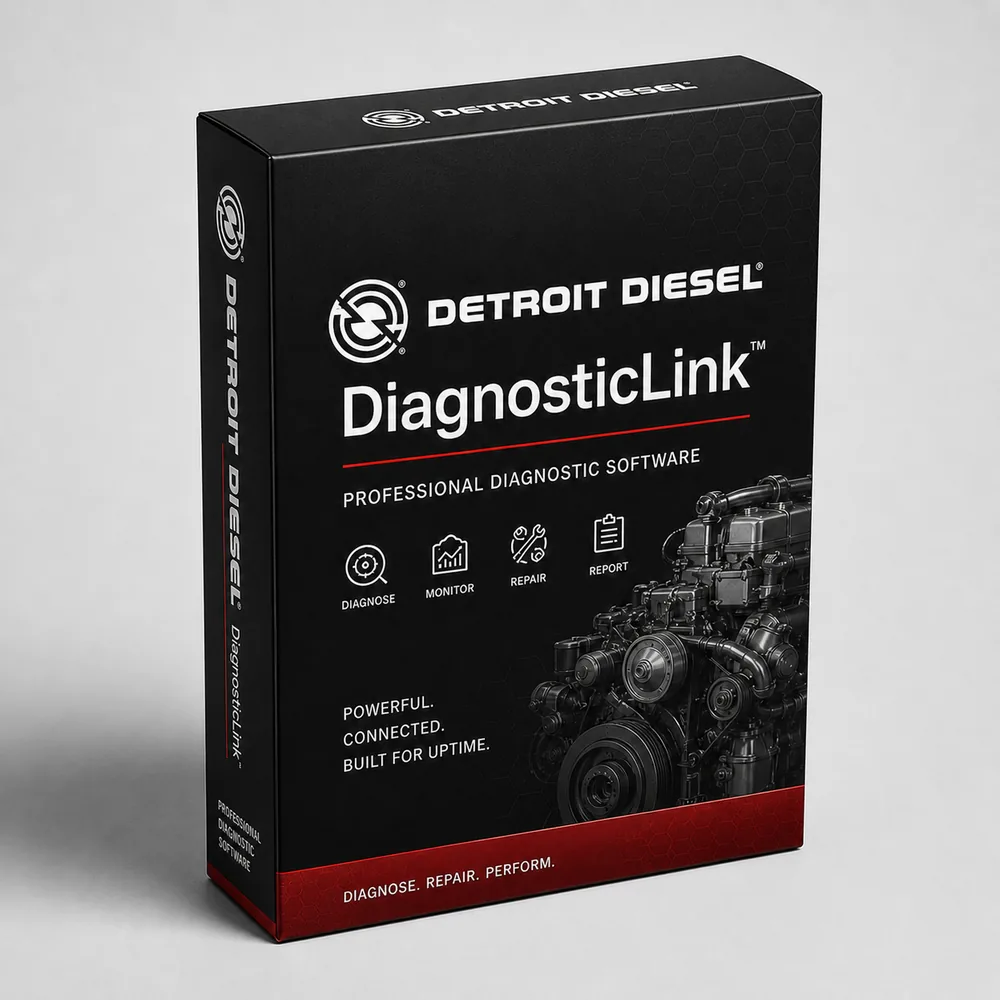
Detroit DiagnosticLink Standard, Pro & Laptop Kits
Choose a Detroit DiagnosticLink license for your existing equipment or a NEXIQ and Toughbook package. Compare Standard with Professional before paying for programming capability.
- Standard & Pro
- License or kit
- NEXIQ options
- Toughbook choices
Expert SupportU.S.-based technicians with dealer and fleet experience ready to help.
Ready-to-Run KitsPreconfigured software with everything you need to get up and running fast.
Financing Available0% APR options available on qualifying orders over $1,500.
Featured Detroit Products
View All Detroit Products →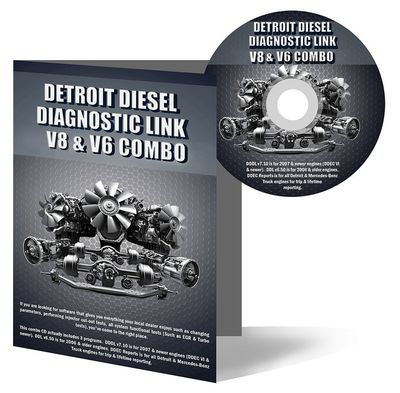
DiagnosticLink Standard — 1 year
Software only; use your compatible laptop and interface.
$1,089.00 View Product
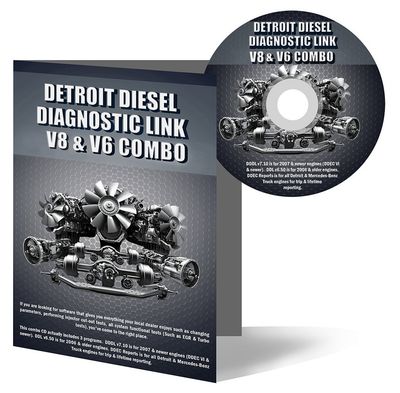
DiagnosticLink Pro — 1 year
Software only; programming events sold separately.
$2,695.00 View Product
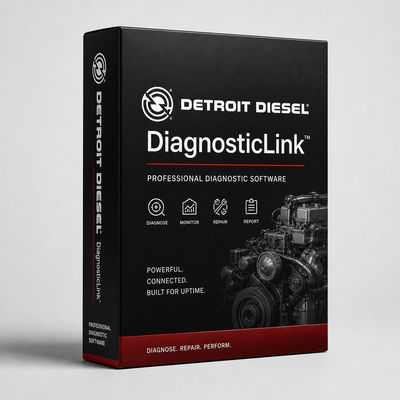
Standard + NEXIQ + refurbished Toughbook
Laptop and USB-Link 3 package; confirm current computer specifications.
$3,395.00 View Product
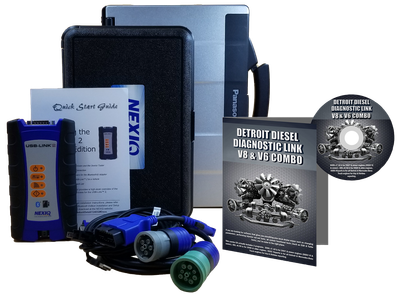
Pro + NEXIQ + refurbished Toughbook
Professional package with USB-Link 3 and refurbished laptop.
$4,695.00 View Product
Compare Detroit DiagnosticLink software and kit prices
Software-only licenses, refurbished Toughbook kits and new FZ-55 packages are separate choices. Programming events and additional access are separate from a Pro license.
| Product | Application / package | Catalog price |
|---|---|---|
| DiagnosticLink Standard — 1 year | Software only; use your compatible laptop and interface. | $1,089.00 |
| DiagnosticLink Pro — 1 year | Software only; programming events sold separately. | $2,695.00 |
| Standard + NEXIQ + refurbished Toughbook | Laptop and USB-Link 3 package; confirm current computer specifications. | $3,395.00 |
| Pro + NEXIQ + refurbished Toughbook | Professional package with USB-Link 3 and refurbished laptop. | $4,695.00 |
| Standard + NEXIQ + new FZ-55 | Standard software with a new Panasonic Toughbook. | $4,595.00 |
| Pro + NEXIQ + new FZ-55 | Professional software with a new Panasonic Toughbook. | $5,990.98 |
Prices reflect the listed default configuration. Review selected options, availability, shipping and tax on the product and checkout pages. Ask us to match a kit to your equipment or call 866-217-0063.
Read the detailed Detroit buying guide ↓
Choose your Detroit setup
- Select Standard or Pro by the service work you perform.
- Buy software alone if your existing hardware meets current requirements.
- Compare refurbished Toughbook kits with new FZ-55 packages.
- Include programming events and needed service information in your total cost.
- Match the engine generation and laptop specifications before ordering.
Find the Right Detroit Tool
Answer a few quick questions and we'll help you find the best tool for your shop's needs.
- Personalized Recommendations
- Expert Guidance
- Fast & Easy
Powerful Diagnostics. Proven Performance.
Capabilities vary by tool, software license, vehicle, and manufacturer requirements. Contact HDT to confirm compatibility.
Expert Phone SupportU.S.-based technicians
Setup & Training HelpGet started with confidence
Shipping HelpConfirm availability and timing
Warranty & SupportBacked by HDT
0% APR FinancingOn qualifying orders
Which DiagnosticLink edition fits your work?
For a shop choosing Detroit diesel diagnostic software, start with the work order. Standard supports fault-code work, live instrumentation, service routines and supported parameter changes. Professional adds reprogramming. A Pro license does not mean every programming event or manufacturer service subscription is included.
Software-only, refurbished kit or new FZ-55?
The two one-year licenses suit buyers who already have a suitable computer and interface. A complete package adds the connection hardware and laptop. Our comparison identifies refurbished Toughbooks separately from the new FZ-55 packages so you can compare the actual equipment being supplied.
DTNA currently lists Windows 11 64-bit and an RP1210-compatible interface for DiagnosticLink. Have us confirm the supplied laptop configuration and release requirements, especially for older equipment you plan to reuse.
Searching for DDDL 8 or DiagnosticLink downloads?
DiagnosticLink and legacy DDDL are related product names, but engine generation matters. Give us the engine model and year when arranging the license. Downloading an installer is only one step: the setup also needs the appropriate activation, account access and vehicle interface.
For mixed engine work, compare your Detroit setup with the Cummins INSITE options. A NEXIQ adapter can be shared across compatible applications, while each application keeps its own licensing requirements.
Get a setup matched to your shop
Tell us the equipment model, year, controller and job you need to complete, plus any computer or adapter you already own. Ask HDT for help choosing or call 866-217-0063, Monday–Friday, 8am–5pm CT.
Manufacturer reference: Detroit documentation. Guide reviewed September 19, 2026.
Frequently Asked Questions
What is the difference between DiagnosticLink Standard and Pro?
Standard handles supported diagnostics, service routines and parameter adjustments. Professional adds ECU reprogramming. Programming events and account permissions still matter.
Does a DiagnosticLink license include a NEXIQ adapter?
The software-only licenses do not. Choose a package explicitly listing a NEXIQ interface if you need hardware.
Which Detroit kit includes a new laptop?
The Standard and Pro Dealer Diagnostic Packages shown here list a new Panasonic FZ-55. The lower-priced Toughbook kits list refurbished laptops.
Can I use DiagnosticLink for an older Detroit engine?
Identify the engine and control generation first. Older Detroit applications may require the separate legacy DDDL application; confirm that part of the setup before ordering.
Resources & Buyer Guides
Detroit manufacturer reference
Check the manufacturer’s software and equipment information.
Read Guide →Compare diagnostic approaches
Explore Jaltest options for a shop working on multiple brands.
Read Guide →NEXIQ adapters and software
Understand the difference between an interface and a software license.
Read Guide →Detroit diagnostic tools: detailed buying guide
Reviewed September 21, 2026
Detroit engines, vehicles and control generations
Detroit diagnostic work spans newer DD-series powertrains and older engines such as the Series 60. A shop receiving a Freightliner, Western Star or bus should identify the installed engine and control generation before choosing software. The truck model helps establish the application, but it does not replace the engine serial number and controller information.
DTNA separates modern DiagnosticLink from legacy DDDL and other service tools. That distinction matters when a shop needs to cover both older vehicles and newer powertrains. Do not assume that one current installer provides every legacy application.
Our catalog includes packages labeled DDDL 8 & 6 as well as current Standard and Pro license-only options. Match the included applications to the engines in your fleet. If you already have a functioning legacy setup, describe it when asking about an additional license or replacement laptop.
Standard and Professional: what changes
According to DTNA's DiagnosticLink overview, Standard includes supported fault information, instrumentation, service routines, system tests and parameter editing. Professional adds reprogramming. This is a more useful distinction than calling Standard “read-only” or presenting Pro as unrestricted dealer access.
Build the edition decision around the work you accept. A shop carrying out diagnostics and supported routines should compare Standard with those tasks. A shop planning calibration downloads or module reprogramming should assess Professional along with the account access and programming events needed to finish the job.
Ask about the named operation, not just the component. “Injector work” could involve diagnosis, a supported service routine or a procedure with additional requirements. Select the edition for that operation instead of assuming every injector-related task requires Pro.
Programming events and service information
DTNA's independent repair facility guide distinguishes Professional licensing, calibration-download events and technical-literature access. Its programming events apply to specified powertrain work; they do not grant unrestricted programming of all chassis controllers. Review the required access before quoting a customer for a module replacement.
Keep these costs separate in your purchasing plan: the software subscription, any applicable event or calibration charge, service information and the physical equipment. A price for a Pro license is not a promise that every future programming transaction is included.
For repeat work, keep the shop's account owner and installation records accessible to the business. When a license, login or VIN authorization problem occurs, those records help identify the correct support path. Buying another adapter will not resolve an account permission problem.
Adapters, cables and computer choices
DiagnosticLink uses a supported vehicle communication interface and the appropriate driver. DTNA's current requirements specify an RP1210-compatible interface and Windows 11. Check the requirements for the actual software release being installed, especially when reusing an older laptop.
Our Detroit selection includes NEXIQ/Toughbook packages and software-only licenses. The new FZ-55 Dealer Diagnostic Packages and the refurbished Toughbook packages are different configurations. Compare the laptop condition, software edition, interface and cable list together. The word “kit” should not be taken to mean that every item shown elsewhere on the page is included.
For legacy engines, identify the actual diagnostic connection. An adapter's driver, the vehicle-side cable and the software application all need to match. If you also operate JPRO, check its interface requirement separately rather than assuming a NEXIQ purchase automatically serves that application.
Engine, transmission and chassis complaints
A complaint can involve more than one controller. Save the initial fault report and note whether the problem is associated with the engine, aftertreatment, transmission or chassis. This prevents an engine-software purchase from being treated as a guarantee of access to every system on the truck.
For a regeneration or aftertreatment complaint, identify the engine/control generation and the precise service operation. Reading the faults, inspecting live values, completing a test and performing a calibration are different stages. A failed regeneration does not identify a particular failed part without the supporting checks.
For transmission work, identify whether the truck has a Detroit transmission, an Allison or another unit. Allison DOC and ServiceRanger are separate software families. Purchase against the transmission and task, not simply the truck badge.
Using DiagnosticLink alongside a multi-brand tool
A mixed-fleet shop may use a multi-brand platform for its initial inspection and DiagnosticLink for focused Detroit work. That can be a sensible division of labor, but compare the exact function lists. An unsupported statement that another tool covers “80% of Detroit work” is not enough to establish whether it can complete the repair in your bay.
List the tasks you perform most often, the tasks currently sent out and the number of Detroit vehicles you expect to service. Use those requirements to compare JPRO, Jaltest or TEXA with the appropriate Detroit license. Hardware you already own may be reusable, subject to application support.
What to include in a Detroit quote request
For one truck, send the engine serial number, model year, controller information and the operation you need. For a fleet, include a representative list of current and legacy engines. Tell us whether you need a new installation, an upgrade, a renewal or a complete second workstation.
Include your existing laptop, interface and cables. That lets the discussion focus on the missing pieces instead of automatically replacing everything. Use the product comparison above for current prices and package contents. Request a Detroit configuration or call 866-217-0063.
Ready to Upgrade Your Diagnostic Game?
Our experts are here to help you choose the right Detroit solution for your shop. Call now or shop online today.